SAP Variant Configuration (VC) - Step-by-Step Configuration for a Bike Manufacturer
Variant Configuration in SAP allows companies to manage complex products with multiple variations efficiently. Below is a step-by-step procedure for configuring Variant Configuration (LOVC) for a bike manufacturer.
Scenario:
A bike manufacturer offers a customizable motorcycle where customers can choose:
- Engine Type: 150cc, 200cc, 250cc
- Color: Red, Blue, Black
- Tire Type: Normal, Off-road
- Seat Type: Standard, Premium
The company wants to manage these configurations in SAP VC without creating separate materials for every possible combination.
Step 1: Create Characteristics (CT04)
Each customizable feature of the bike is defined as a Characteristic.
T-Code: CT04
- Create the following characteristics:
- ENG_TYPE (Engine Type) → Values: 150cc, 200cc, 250cc
- COLOR (Bike Color) → Values: Red, Blue, Black
- TIRE_TYPE (Tire Type) → Values: Normal, Off-road
- SEAT_TYPE (Seat Type) → Values: Standard, Premium
- Set Data Type as Character Format.
- Assign the characteristics to a Class in the next step.
Step 2: Create a Class (CL01)
A Class groups related characteristics.
T-Code: CL01
- Enter Class Name:
BIKE_CONFIG - Select Class Type:
300 (Variant Class) - Assign the Characteristics created in Step 1.
Step 3: Create a Configurable Material (MM01)
A single material master is used for all bike variations.
T-Code: MM01
- Material Number:
BIKE_100 - Industry Sector:
Mechanical Engineering - Material Type:
FERT (Finished Product) - In the Basic Data 2 tab, assign the Class (
BIKE_CONFIG). - In the Sales Org 2 tab, set the Material is Configurable flag.
Step 4: Create a Super BOM (CS01)
The Super BOM contains all possible components used across different configurations.
T-Code: CS01
- Material:
BIKE_100 - Plant:
1000 - BOM Usage:
1 (Production) - Add the following components:
- Engine 150cc, 200cc, 250cc
- Tires (Normal, Off-road)
- Seats (Standard, Premium)
- Frame
- Handlebar
Each component will later be linked to a dependency rule.
Step 5: Define Object Dependencies (CU01)
Object dependencies control which components are selected based on user choices.
T-Code: CU01
- Dependency Type:
Selection Condition - Example Rules:
- If a 200cc engine is selected, then the "Engine_200cc" should be included in BOM. bashCopy code
$SELF.ENG_TYPE = '200cc' - If Off-road tires are selected, then the "TIRE_OFFROAD" component should be included. bashCopy code
$SELF.TIRE_TYPE = 'Off-road'
- If a 200cc engine is selected, then the "Engine_200cc" should be included in BOM. bashCopy code
These dependencies are assigned to BOM components.
Step 6: Create a Configuration Profile (CU41)
The Configuration Profile ensures that the system processes the variant configuration.
T-Code: CU41
- Material:
BIKE_100 - Class Type:
300 - BOM Explosion: Set to
Multi-Level
Step 7: Create a Configurable Sales Order (VA01)
When a customer orders a bike, the system presents configuration options.
T-Code: VA01
- Create a Sales Order for
BIKE_100 - The system prompts for configuration:
- Engine:
200cc - Color:
Black - Tire Type:
Off-road - Seat Type:
Premium
- Engine:
- Based on these selections:
- The correct engine, tires, and seat are pulled from the BOM.
- The price is calculated accordingly.
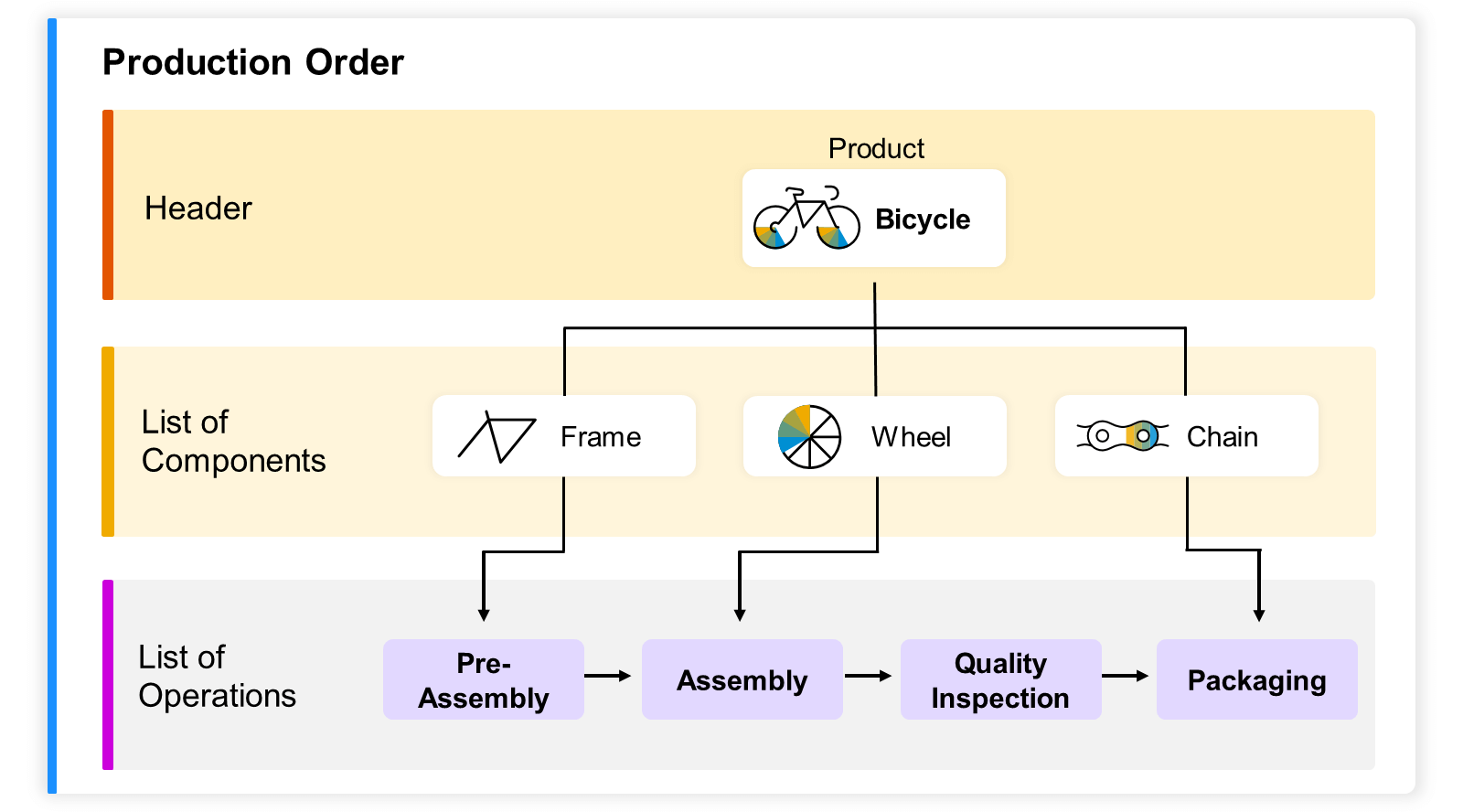
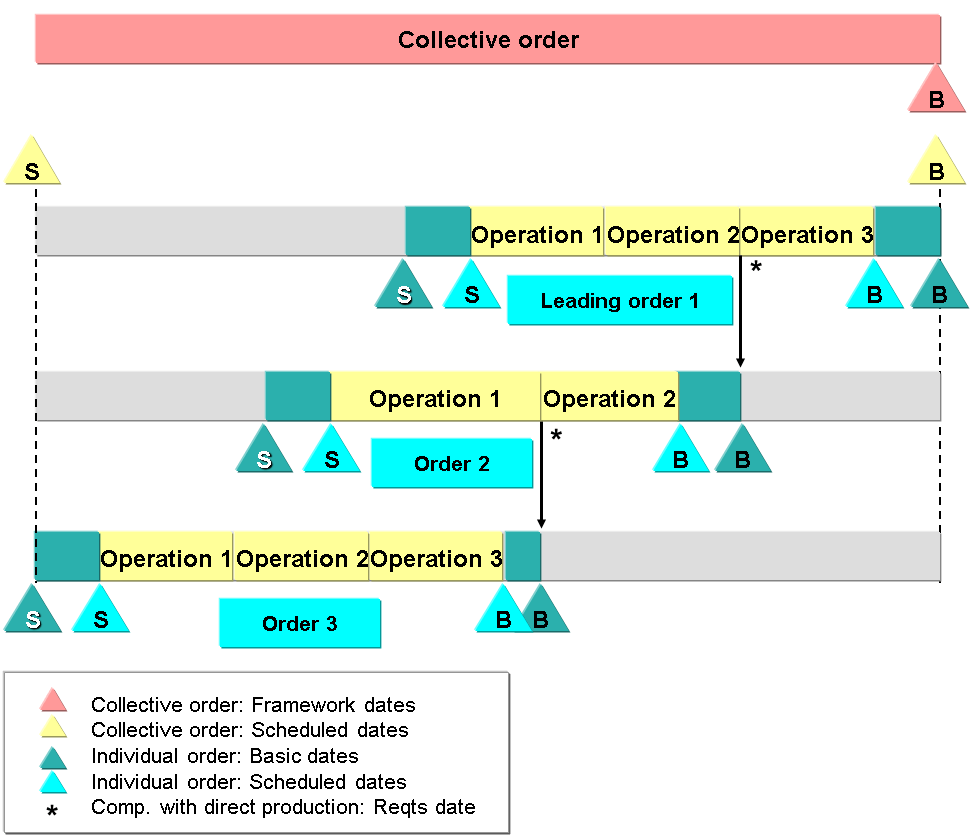
Step 8: Production Order and MRP (CO01 & MD50)
- Once the sales order is confirmed, an MRP run (MD50) generates a planned order.
- The production order (CO01) is created with selected components.
Business Benefits
Reduces material master complexity (No need to create separate materials for each variant).
Enhances accuracy (Ensures valid product combinations).
Automates pricing and production (Ensures only required components are included).
Supports custom orders efficiently.
Conclusion
This step-by-step Variant Configuration setup enables the bike manufacturer to handle multiple product configurations without creating separate materials, ensuring an efficient and scalable approach.
#SAPVariantConfiguration #SAPPP #SAPSD #ManufacturingEfficiency